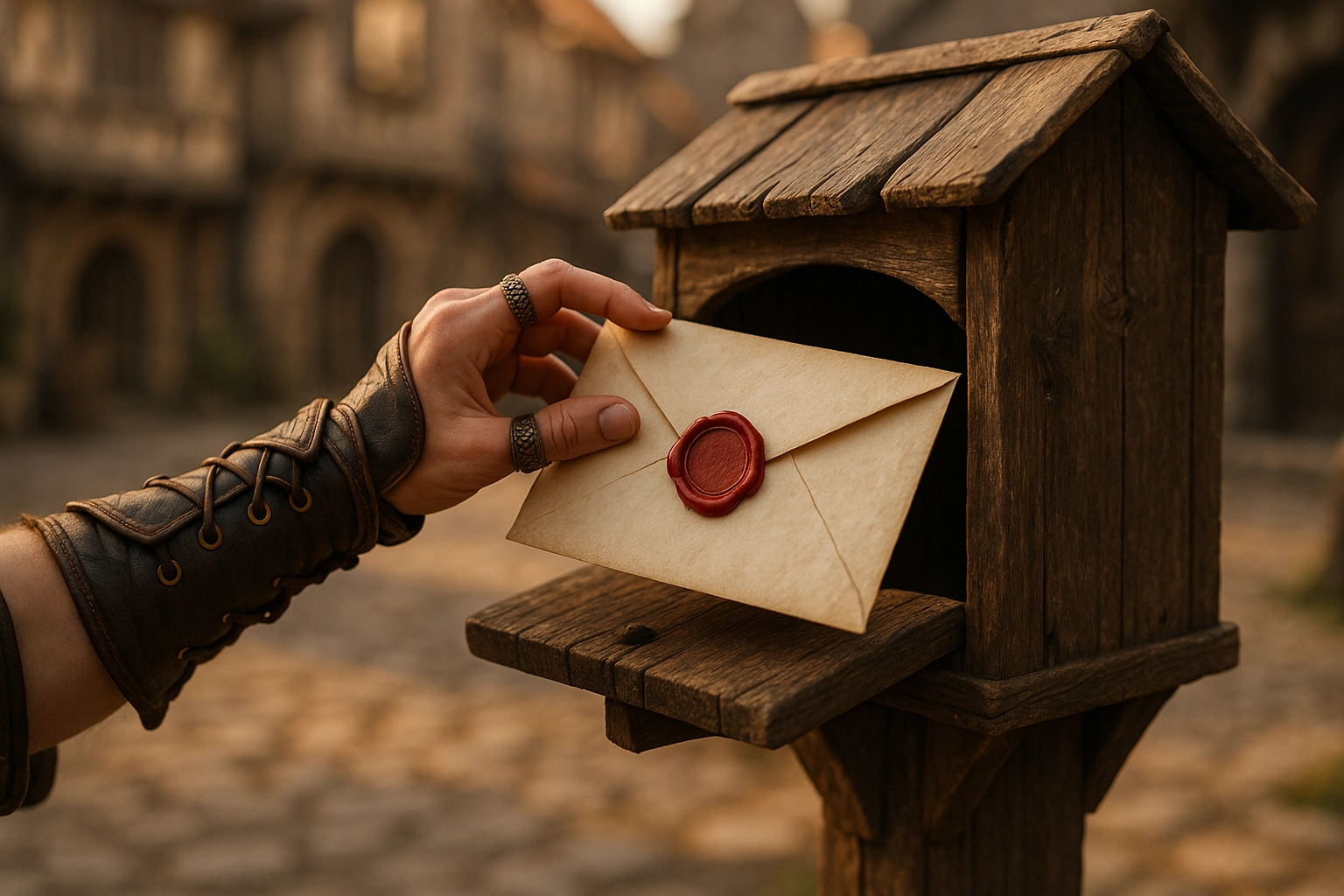
The royal courier pigeons are flapping their wings and the enchanted scrolls are ready — the Post Office is officially open for business! You can now send magical letters to other members of your household. Whether it’s a secret mission, a thank-you note, or just a cheerful “hello,” your message will arrive on a royal scroll with a fun background.
What’s Inside the Post Office
- ✏️ Custom messages you write yourself — your words, your way
- 💌 Postcard-style letters with fun fantasy backgrounds to set the mood
- 💰 Send coins or gems directly to family members as a gift or reward
- 📥 A magical inbox where replies arrive sealed with an adventurer’s mark
Grab your quill, pick your parchment, and send some kindness across the kingdom.
Family-Only, By Design
Every letter stays inside your household — the Post Office is a closed system. Messages can only be sent between family members, keeping things safe and personal. No outside contacts, no strangers.
Administrators can enable or disable the Post Office entirely from the family settings panel, so parents stay in full control of whether messaging is active for their household.
System Messages & The Royal Report
The Post Office isn’t just for personal notes. The system also uses it to deliver official messages directly to your inbox:
The Royal Report arrives daily and gives every member a summary of how they’ve been doing — quests completed, XP earned, streaks maintained, and any milestones reached. It reads like a dispatch from the kingdom’s scribe, keeping everyone in the loop without requiring parents to check in manually.
System messages are clearly marked so they’re easy to spot among your personal letters.
How to Get Started
Open the Post Office from the navigation bar inside the app. Choose a recipient from your household, pick a scroll background, write your message, and send. Your letter will appear in their inbox instantly.
Happy writing, adventurers. The kingdom awaits your correspondence.